Skip to content
All articles

Small business basics

Where to Find the Best Free Stock Images for Your Business

11 May 2022 · 8 min read · Sarah Russo

Updated 5 June 2026

Woman at a wooden kitchen table browsing a free stock image website on her laptop — illustrating how Australian small businesses find royalty-free photos for marketing in 2026.
S

Sarah Russo

11 May 2022 · 8 min read

The nine best free stock image websites for Australian businesses in 2026 — what each one is good for, the licensing catches, and how AI-generated images fit in.

The best images for your business are still photos of your actual business — your team, your work, your products, your customers. Always have been. Always will be.

But sometimes you need a photo of something specific and you need it now. You're optimising your Localsearch.com.au business profile, updating your website, or putting together a social post and there's no time to organise a shoot.

That's where free stock images come in. Used well, they fill the gap without costing a cent. Used badly, they make your business look like every other business on the internet.

Here are the nine best free stock image websites for businesses in 2026, what each one is actually good for, and how to use them without making your marketing look generic.

Quick answer — the best free stock image sites

If you only want the list:

  • Unsplash — for natural, high-quality photos
  • Pexels — biggest library, easy search
  • Pixabay — photos, vectors, illustrations and video
  • Burst — business-focused photos
  • Canva — best if you're already designing on the platform
  • Foodiesfeed — food photography only
  • picjumbo — wide range, good for backgrounds
  • NegativeSpace — high-resolution basics
  • HubSpot Stock Photo Collection — office, kitchen, computer shots

All nine are free for commercial use. Read on for the catches.

The best free stock image websites for businesses in 2026

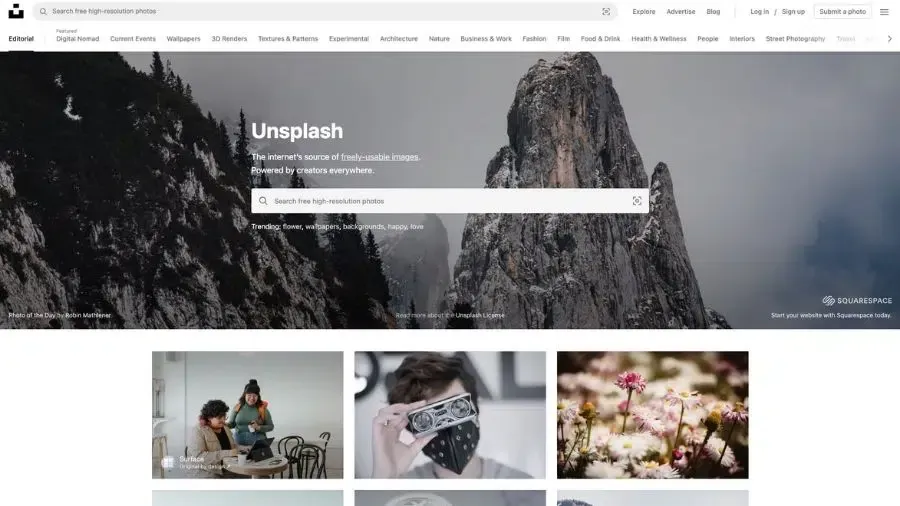
1. Unsplash

Need more than a stock photo?

Get a free strategy session and we'll help you build marketing that actually looks like your business.

Book a free strategy session

Unsplash is the go-to free stock photo site for most businesses. The photos look more natural than the cheesy "person in suit shaking hands" stock library you might be used to, because they're contributed by photographers from around the world rather than commissioned to a brief.

Images can be downloaded for free for commercial and non-commercial purposes. You don't need to credit the photographer or platform, though it's a nice thing to do. What you can't do: sell the photos unaltered, use them to build a competing platform, or use them for illegal purposes.

A note on ownership — Unsplash is now owned by Getty Images, acquired in 2021. The free licence terms haven't changed. There's also a paid Unsplash+ tier now if you want premium images with legal indemnification — useful if you're running large national campaigns.

Library size: over 5 million photos.

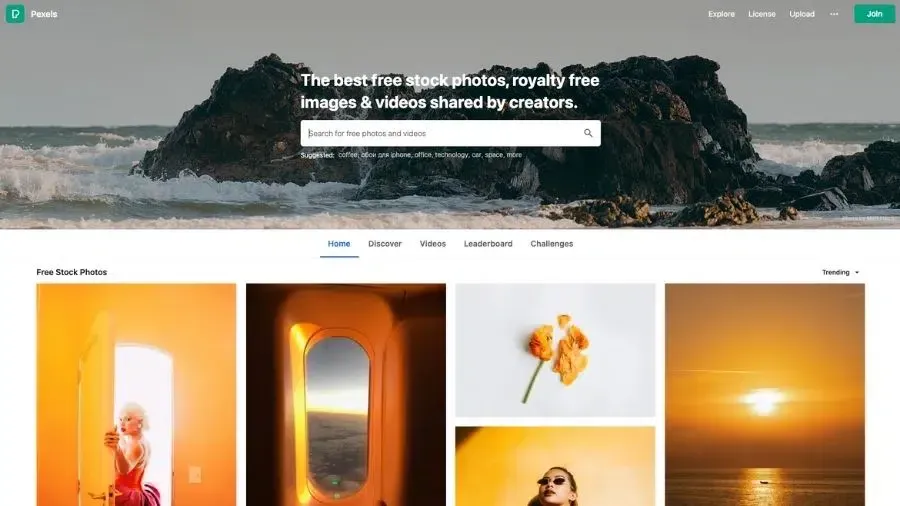
2. Pexels

Pexels has the biggest free library of any platform on this list, with reportedly over 3.2 million photos. It's owned by Canva, which is relevant because that means the same library shows up in Canva itself.

Images can be modified and used to promote your business however you need. Attribution isn't required but appreciated. What you can't do: display identifiable people in a way that could be considered offensive, sell unaltered copies, imply someone in the photo endorses your product, or reuse photos on another stock site.

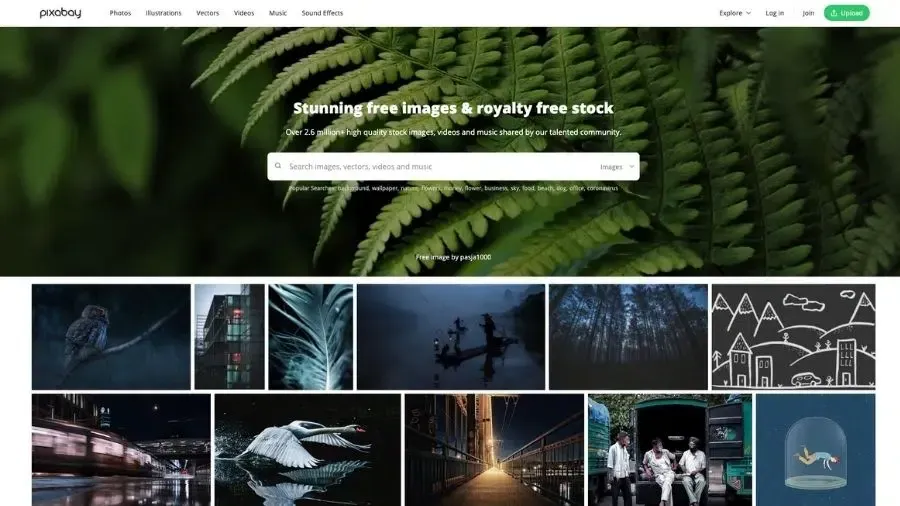
3. Pixabay

Pixabay holds more than 1.5 million free images, plus tens of thousands of vectors, illustrations, videos and audio files. Like Pexels, it's owned by Canva.

Under Pixabay's licence, you don't need to credit the photographer, creator or the platform for commercial use. Content is uploaded by registered users and must be free of copyright.

Worth flagging: the images on Pixabay can look more "stock-y" than Unsplash or Pexels — staged, slightly artificial. Fine for some uses, wrong for others. If you're trying to look authentic, start elsewhere.

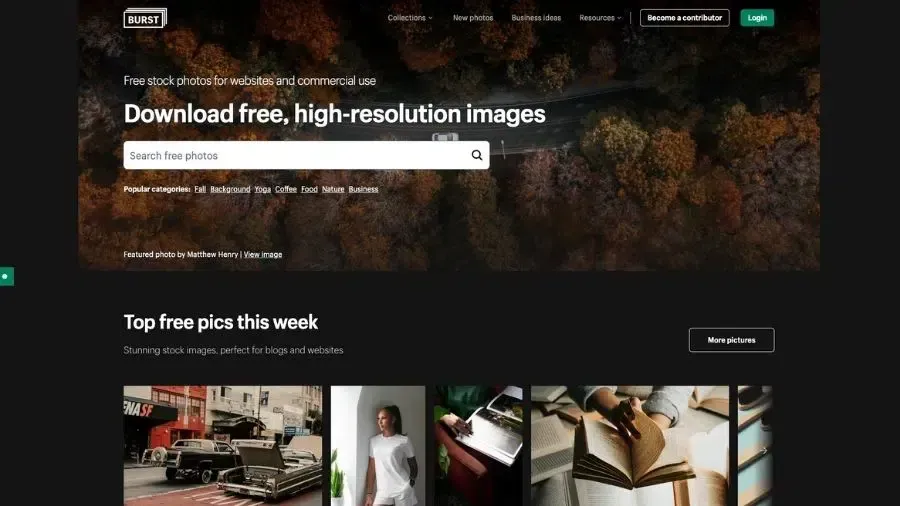
4. Burst (by Shopify)

Burst is a high-resolution, royalty-free image site powered by Shopify. It's curated specifically for entrepreneurs and e-commerce businesses, so the photo collection skews toward products, workspaces, lifestyle and business imagery.

Photos are free for commercial use, attribution appreciated but not required. One thing to know in 2026: Burst is in maintenance mode and no longer accepting new photo submissions. The existing library is still fully available and free to use, but new content isn't being added. So it's a good source, just not a growing one.

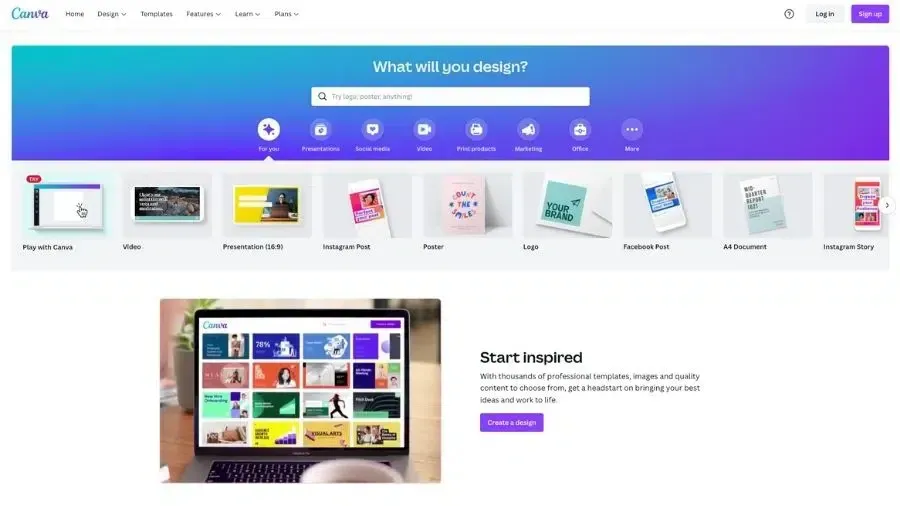
5. Canva

Canva is technically a design tool first, stock image library second. Some images are free with a Canva account; the full library opens up with a Canva Pro subscription.

The images you find on Canva are mostly sourced from Pexels and Pixabay (since Canva owns both). It's just an easier place to access them if you're already in the platform building a graphic or social post.

Canva also now has AI image generation built in. More on AI later — there are real upsides and real catches.

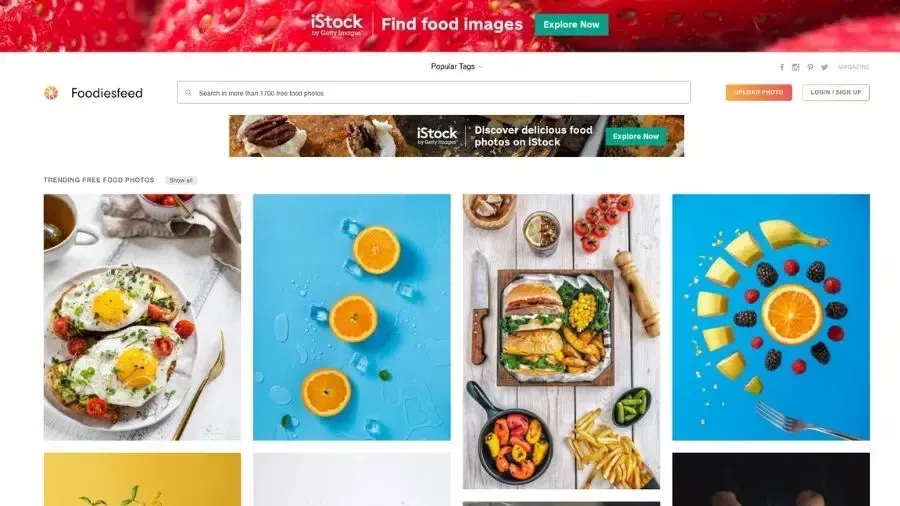
6. Foodiesfeed

Foodiesfeed is exactly what it sounds like — free stock photos of food. If you're a restaurant, café, caterer, fruit and veg shop, food blogger, or any business with food on the marketing menu, this is the one to bookmark.

All photos are released under Creative Commons Zero (CC0), free for commercial use without attribution. The library is curated rather than enormous, but the quality is consistently high.

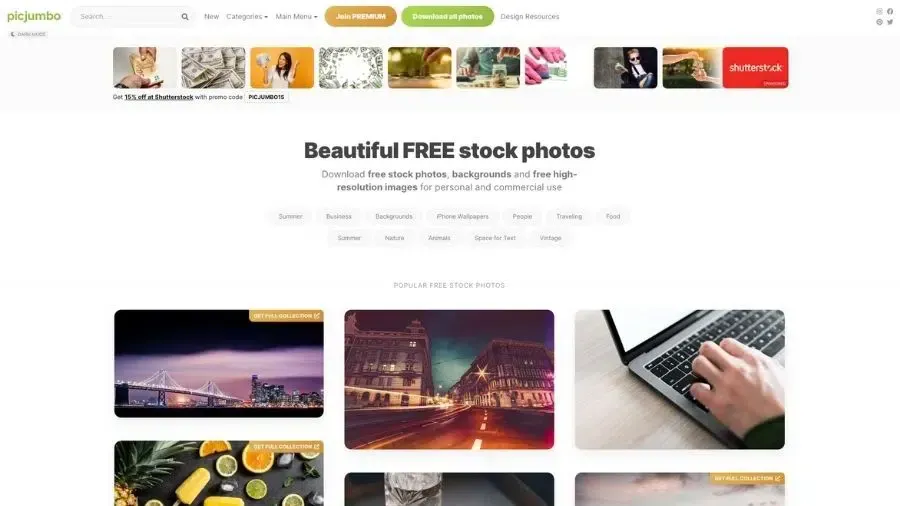
7. picjumbo

picjumbo is a free stock photo site started in 2013 by photographer Viktor Hanacek after his work was rejected by the big paid platforms. Now it has thousands of high-resolution images across categories like business, food, technology, nature and abstract.

Worth knowing: picjumbo warns that some images may contain copyrighted brands, logos, objects or personal property. They also may not have model releases. Always read the description for each image before using.

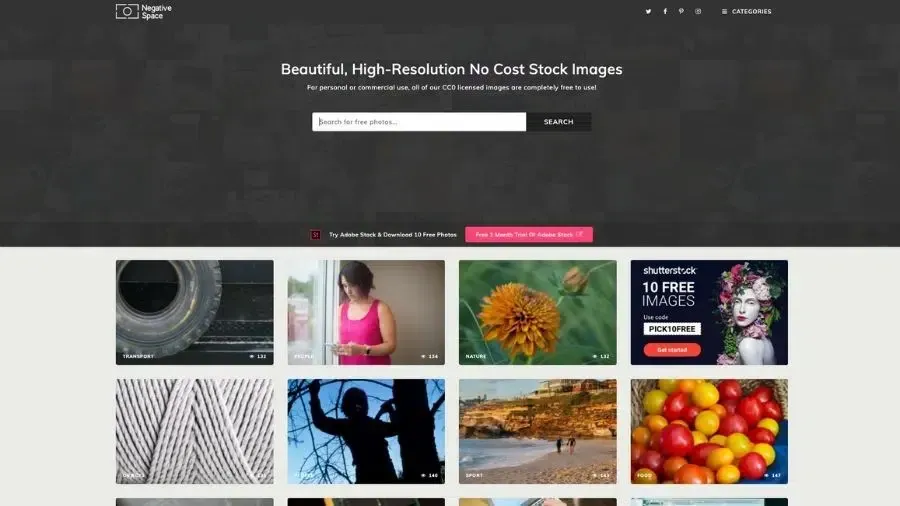
8. NegativeSpace

NegativeSpace is an online platform built around photographers sharing their work for others to use. Images are uploaded under CC0 licensing, so you can use them commercially without attribution.

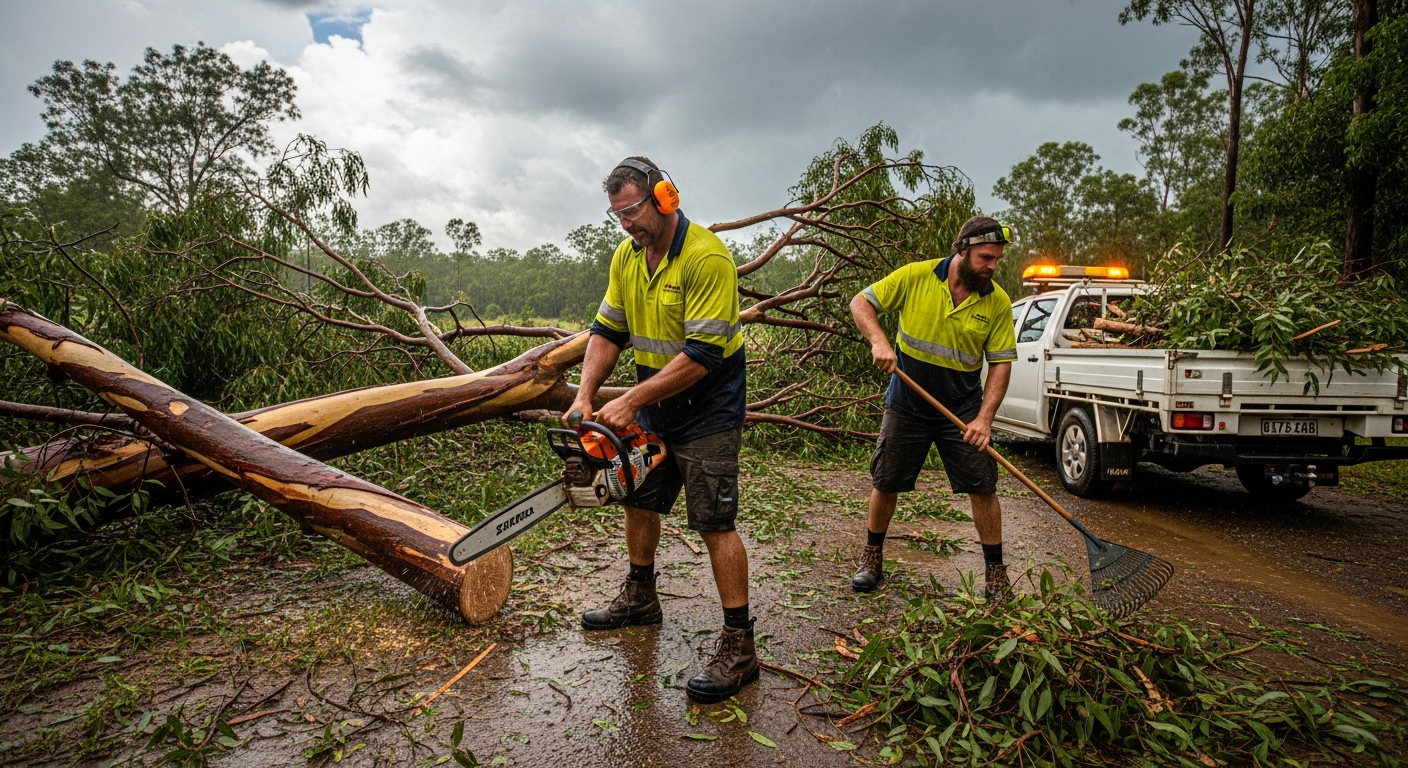
The library is smaller than the big players. You won't find a photo of an Australian tradie here — but for nature, people, workspaces and basic business shots, it's solid.

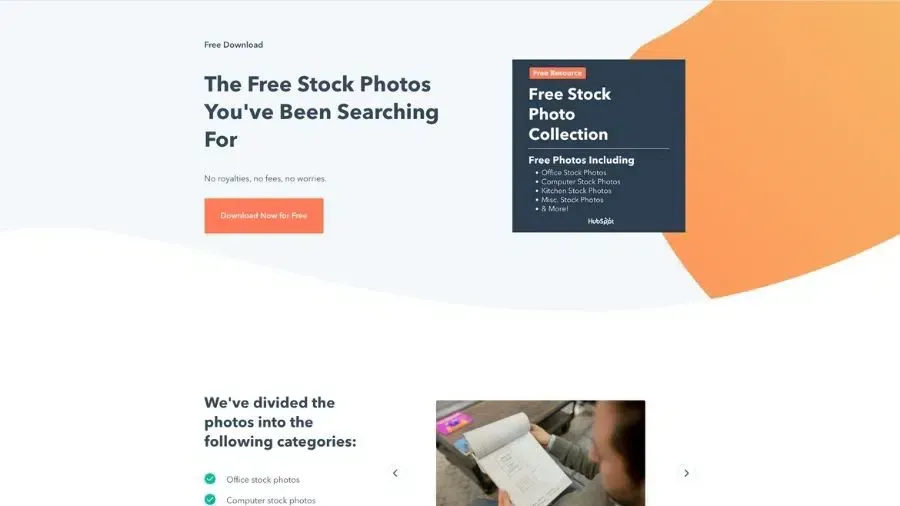
9. HubSpot Stock Photo Collection

HubSpot isn't a stock photo site. It's a CRM company. But its marketing team built a free collection of stock images years ago and it's still going.

You can download the HubSpot collection of office, computer, kitchen and miscellaneous business stock images. They're 100% free, no attribution required, and you can use them for any non-dodgy purpose. The catch — you give HubSpot your email to download, and they'll add you to their marketing list. Worth the trade for most.

A note on AI-generated images in 2026

AI image generation has changed the stock photo conversation. You can now generate a custom image of almost anything in seconds using tools like Canva AI, Adobe Firefly, ChatGPT, Midjourney, or Leonardo. For a small business, that's genuinely useful — you can create images that don't already exist anywhere else.

But there are catches you need to know about.

Legal status: Most AI image tools grant you a commercial licence to use the images they generate. However, US courts have ruled that purely AI-generated images aren't protected by traditional copyright — meaning anyone else can use the same output. The legal landscape varies by country and is still evolving.

Brand and people problems: AI tools can accidentally generate images that resemble real celebrities, copyrighted characters, or branded products. Using those commercially can land you in legal trouble. Stick to abstract, generic, or clearly fictional scenes — not "a photo of [famous person] using my product."

The authenticity problem: AI images are getting easier to spot. Customers can usually tell, and many are starting to find AI-generated marketing imagery off-putting. If you're a local business trying to build trust, an obvious AI image can do more harm than good.

The rule of thumb: AI images for backgrounds, abstract concepts and illustrative content, fine. AI images pretending to be real photos of your business, your products or your team — bad idea.

Stock photo frequently asked questions

How can I use stock images?

How you can use stock images depends on the restrictions on the photo. The rule of thumb: if the platform labels the photo as Free for Commercial Use, Royalty-Free, Creative Commons Zero (CC0) or similar, you can use it in your marketing — including on your website, your Localsearch business profile, your social posts, newsletters and printed publications.

Before downloading, check the image information for any specific requirements, like where it can be used or whether you need to credit the photographer.

Can I modify stock images?

As long as the image is labelled as Free for Commercial Use, yes. You can remove the background, adjust the colour, crop, layer it with text, drop it into a collage — whatever makes it work for your purpose.

Can I just use any image from the internet?

No. Using any old image from Google Images can lead to copyright infringement, fines and being forced to take the content down.

The only safe approaches: use a royalty-free image you have the right to use, use CC0 or Creative Commons-licensed photos, buy a paid licence, or take your own photos.

Do free stock images come with model releases?

Almost never. None of the free platforms guarantee that the people in their photos have signed model releases — which matters if you're using an image of a recognisable person in advertising. For high-stakes commercial use (national ads, product packaging, anything where the person in the photo could legally object), you need either model-released stock from a paid platform like Shutterstock or Getty, or photos of people who've explicitly given you permission.

Is it worth paying for stock images?

Sometimes. If you've found a specific image that's perfect and it's only available on a paid site, yes. If your business needs unique imagery and you can't find it free, sometimes a one-off purchase is cheaper than commissioning a shoot.

But for most day-to-day uses — your business profile, social posts, blog headers — the free platforms have everything you need. The trick is using them well.

How to use free stock images without looking like everyone else

The fastest way to make your marketing look generic is to use the same overused stock photos as a thousand other businesses. The first three results for "team meeting" on Unsplash have been on competing websites for years. Customers notice.

Three rules to avoid the trap:

  • Search past the first page. The top results get used most. Photos five pages deep are still free, still high-quality, and dramatically less seen.
  • Modify what you use. Crop differently. Adjust the colour to match your brand. Add a text overlay. Even small changes break the "I've seen this before" reflex.
  • Mix stock with your own photos. Even one real photo of your business, your team or your work in a piece of marketing changes the whole feel of it.

Free stock images are a tool. Used well, they save you hours and dollars. Used like everyone else uses them, they make your business invisible.

Stay in the loop

Get the playbook in your inbox

One email a month with the marketing tactics that are actually moving the needle for Australian small businesses. No fluff, no spam.

By subscribing, you agree to our Privacy Policy.

Protected by reCAPTCHA — Privacy & Terms.

Ready to grow?

Show me how to be found

Tell us a few things and a local specialist will be in touch to arrange your strategy session.

By submitting, you agree to our Privacy Policy.

Protected by reCAPTCHA — Privacy & Terms.