A new ad channel isn't worth a cent if your prices, stock and product pages are a mess. Use this checklist to get your catalogue ready, then test ChatGPT Ads without chucking good money after bad.
A huge catalogue can turn into plenty of ways to waste ad spend. The clean data that helps a Geelong hardware shop on Google gives it a head start on any new channel.
ChatGPT ads for retailers in Australia are already here. OpenAI started showing ads to Australian Free and Go users in April 2026. Its Ads Manager beta now lets retailers build ads straight from a product feed. On 30 September, OpenAI told advertisers it had added bulk campaign creation and product review status for feed campaigns.
Get the boring bits right now. Then, if suitable campaigns become available, you can run a small test with clean data and a proper sales target.
If you're still deciding whether ChatGPT ads suit your business, start with our guide to ChatGPT ads in Australia.
Know what goes into a product feed
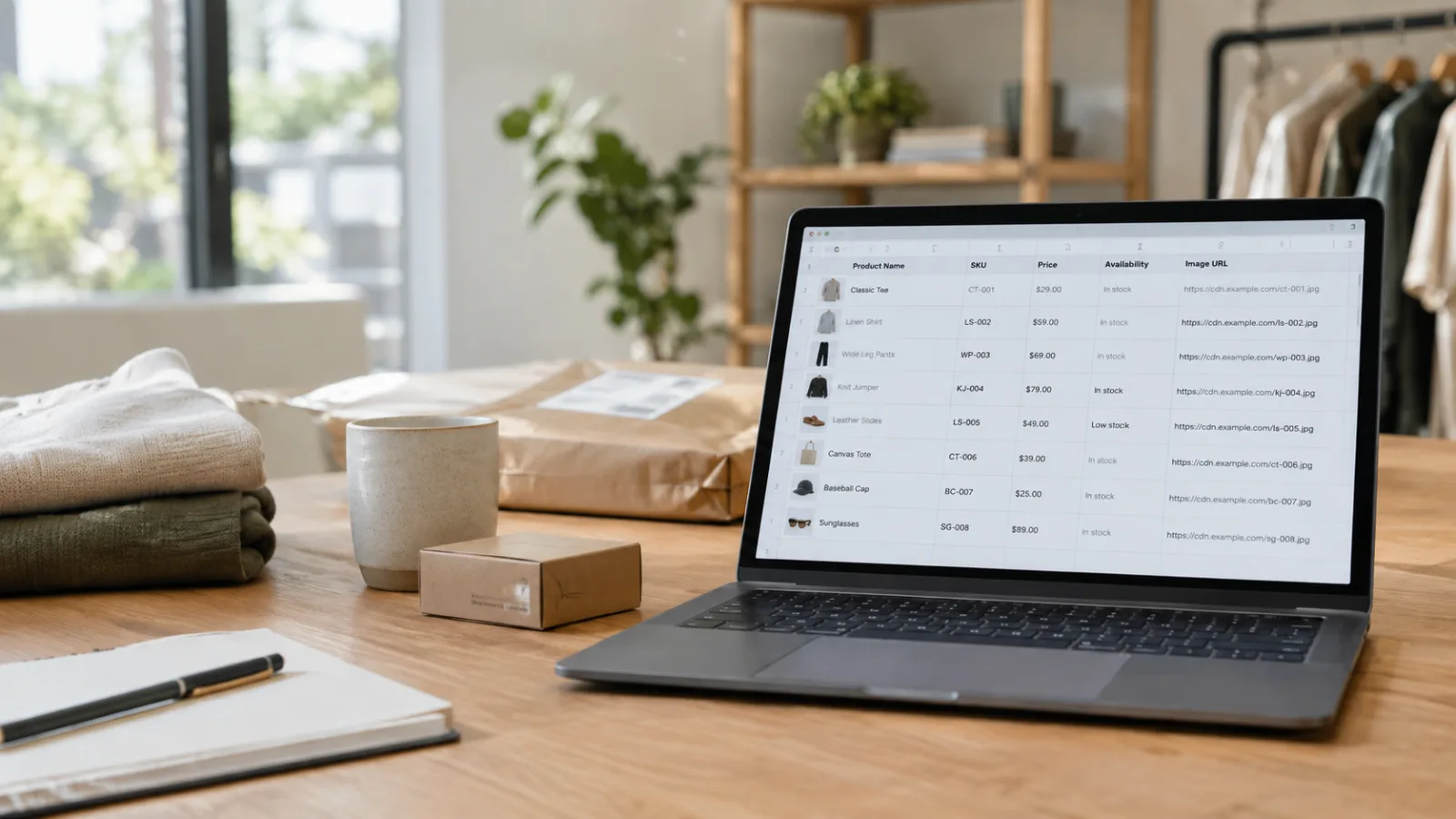
A product feed is a structured file that tells an ad platform what you sell. Think of it as the stock list behind your shop window, but readable by software.
For a pet supply store in Newcastle, it might include every bag of kibble, flea treatment and cat carrier. Each item needs its own details, not just a product name and a rough photo.
- →Product title and a clear description
- →Unique product ID or SKU
- →Current GST-inclusive price in Australian dollars
- →Product page link
- →Main image link, plus extra images where available
- →Stock status, such as in stock, out of stock or preorder
- →Brand, category, size, colour and other useful variants
- →Delivery, click-and-collect and return details
Your ecommerce platform may already produce a feed. Ask whoever manages your website where it lives, how often it refreshes and which fields are missing.
Fix price and stock mismatches before you spend anything
Nothing burns trust faster than an ad showing one price, then a higher price on your website. The same goes for a camping chair advertised as available when the last one left your Bendigo store yesterday.
Ready to grow?
Book a free strategy session with a local specialist.
Check a handful of products from different parts of your range. Compare the feed, website and point-of-sale system for price, stock and variants. If they don't match, don't load the rest yet.
If a customer can't buy what the ad shows, the problem isn't the ad channel. It's the product data.
Set a refresh process that suits your stock movement. A fashion shop with daily deliveries needs tighter updates than a homewares store receiving stock once a fortnight.
Make every product page answer the obvious questions
A product ad only gets someone to the page. The page has to do the rest, especially when a customer is comparing similar items after dinner.
Take an automotive parts retailer in Penrith. A listing for brake pads needs the vehicle fitment, what comes in the box, the price including GST, delivery timing and return conditions.
- →Use a specific product title, not “premium range” or “great value”
- →Show the current GST-inclusive price beside the buy button
- →Add several clear photos that show the actual item
- →State sizes, dimensions, compatibility or ingredients where relevant
- →Show stock status before checkout
- →Explain delivery costs and expected delivery areas
- →State click-and-collect store locations and collection timing
- →Make returns information easy to find
A decent page saves your staff answering the same phone call all day. It also gives any future shopping campaign a better chance of sending people somewhere useful.
Treat local availability as part of the product
Local retailers have an edge over big online sellers when the item is nearby. Don't hide that advantage under a generic “available” label.
If a customer in Toowoomba can collect a chainsaw chain from your store today, say so. If only your Ipswich branch has it, show that before they drive across town.
Keep store-level stock accurate where your website can support it. If it can't, use honest wording such as “Check store availability before visiting” and give customers a quick way to call.
Use images that show the actual product
Start with your best-selling products or your most searched categories. A Ballarat outdoor shop might begin with boots, tents, sleeping bags and rainwear before photographing every spare tent peg.
- →Use a sharp main image with the product clearly visible
- →Match the image to the selected colour or size where possible
- →Avoid old price badges, phone numbers and busy text over images
- →Add extra photos showing scale, features or use
- →Replace supplier images that don't match the item you stock
Pick a small test that can prove something
Don't test a new channel with your entire catalogue and no baseline. Pick one category with reliable stock, healthy margins and a clear sales path.
A specialty food shop in Adelaide could test a small range of gift hampers before Christmas. It can track sales, average order value, delivery costs and refunds without mixing results across its whole pantry range.
Set the test rules before it starts
- →Choose one category and 20 to 50 products with accurate data
- →Use a fixed test budget you can afford to lose
- →Run the test for at least four weeks so the results mean something
- →Track completed sales, qualified enquiries and gross margin, not clicks alone
- →Compare results with your usual sales channels during the same period
- →Pause quickly if stock errors, poor-quality traffic or unprofitable orders show up
If the channel can't report the outcomes you need, treat it as a learning exercise, not a permanent line item. A click count won't pay the rent on your Marrickville shop.
If you plan to upload customer lists for targeting, get privacy advice first.
Check eligibility before planning a launch date
Australian businesses can sign up for OpenAI's Ads Manager beta now. Product feed campaigns are still in beta and only target at country level.
Before committing money, confirm your feed is accepted with Australian dollar pricing. Read the current platform rules rather than relying on an old headline.
Keep your existing channels funded while you test. Your website, Google Business Profile, Google Ads and in-store service are still doing the daily heavy lifting.
Use this readiness checklist this week
Book an hour with your team this week. Get your website person, store manager and whoever handles stock in the same room or video call.
- →Find your current product feed and confirm how it updates
- →Check 10 random products for matching price, stock, image and product link
- →Fix GST-inclusive pricing and delivery details on your priority pages
- →Add or verify click-and-collect and store availability information
- →Choose 20 to 50 products for a future controlled test
- →Write down the sales or enquiry result that would make a test worthwhile
- →Confirm your Ads Manager account and product feed are approved before spending
The retailers who get better results from any advertising channel usually have the same foundation: accurate information, clear pages and a close eye on what actually sells.